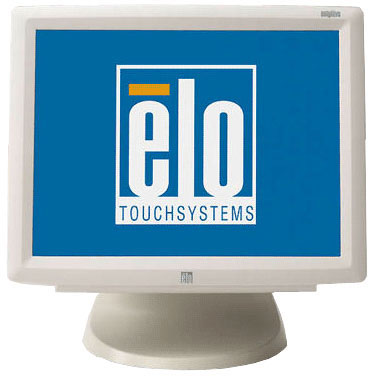
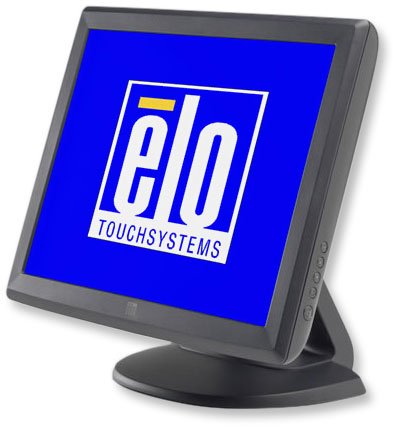
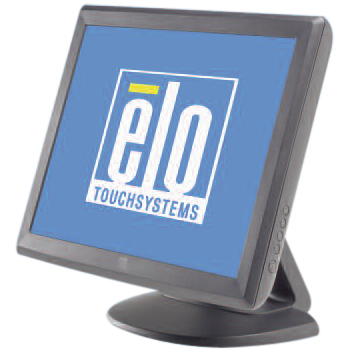
The 1000 Series of touchmonitors are designed, developed and built to provide the most cost-effective touch solutions. Aimed at the fast-changing retail POS and hospitality markets, they provide reliable, durable operation. The 1515L features a choice of touch technologies: AccuTouch five-wire resistive technology, the most widely used for retail applications and proven to survive splashing liquids, food and grease; or IntelliTouch pure glass surface wave technology, for the ultimate in optical quality for dry retail and hospitality applications, plus a dual serial/USB interface, sealed touchscreen, internal power supply and removable base.
Elo E290484 Touchscreen Overview
The 1515L Touch Screen Monitor features a choice of touch technologies. The most widely used for retail applications and proven to survive splashing liquids, food and grease.
What print methods and resolutions does the ZD621 support?
The ZD621 supports thermal transfer and direct thermal printing, with resolution options of 203 dpi (standard) and 300 dpi (optional) for high-quality output.
What connectivity options are available on the ZD621?
Standard interfaces include USB, USB Host, Serial, and Ethernet, with optional 802.11ac Wi-Fi and Bluetooth 4.1 via dual radio. It also supports BLE for Zebra’s mobile setup app and NFC for quick pairing.
Can the ZD621 be used in healthcare environments?
Yes, there is a ZD621-HC (Healthcare) model with disinfectant-ready UV-resistant housing, medical-grade power supply (IEC 60601-1), and standard full-color LCD touchscreen.
What makes the ZD621 suitable for future-proofing and evolving workflows?
It features a new architecture that is 30% more powerful than the ZD620 and nearly 300% more powerful than GX Series, enabling multitasking, faster processing, and future software compatibility.
How easy is it to use and manage the ZD621?
The ZD621 offers an optional 4.3-inch color LCD touchscreen, a 5-icon, 3-button interface, and is powered by Zebra’s Print DNA software suite, which includes tools for remote setup, management, and security.
What media and accessory options does the ZD621 support?
It supports movable media sensors for wide media compatibility and includes options like peeler, cutter, battery for mobility, and a carrying case. It's also compatible with Zebra Certified Supplies and linerless media (model-dependent).
Questions? Get help from a POS Expert!
The Elo E290484 Touchscreen is also known as
ELO-E290484
or E290484.
IMPORTANT UPDATE: Due to memory chip industry demands, manufacturers are signaling price increases and supply constraints. Contact us now to secure inventory and pricing.IMPORTANT UPDATE: Due to memory chip industry demands, manufacturers are signaling price increases and supply constraints. Contact us now to secure inventory and pricing.





 Full specifications (PDF)